

Tell a story about your spaces
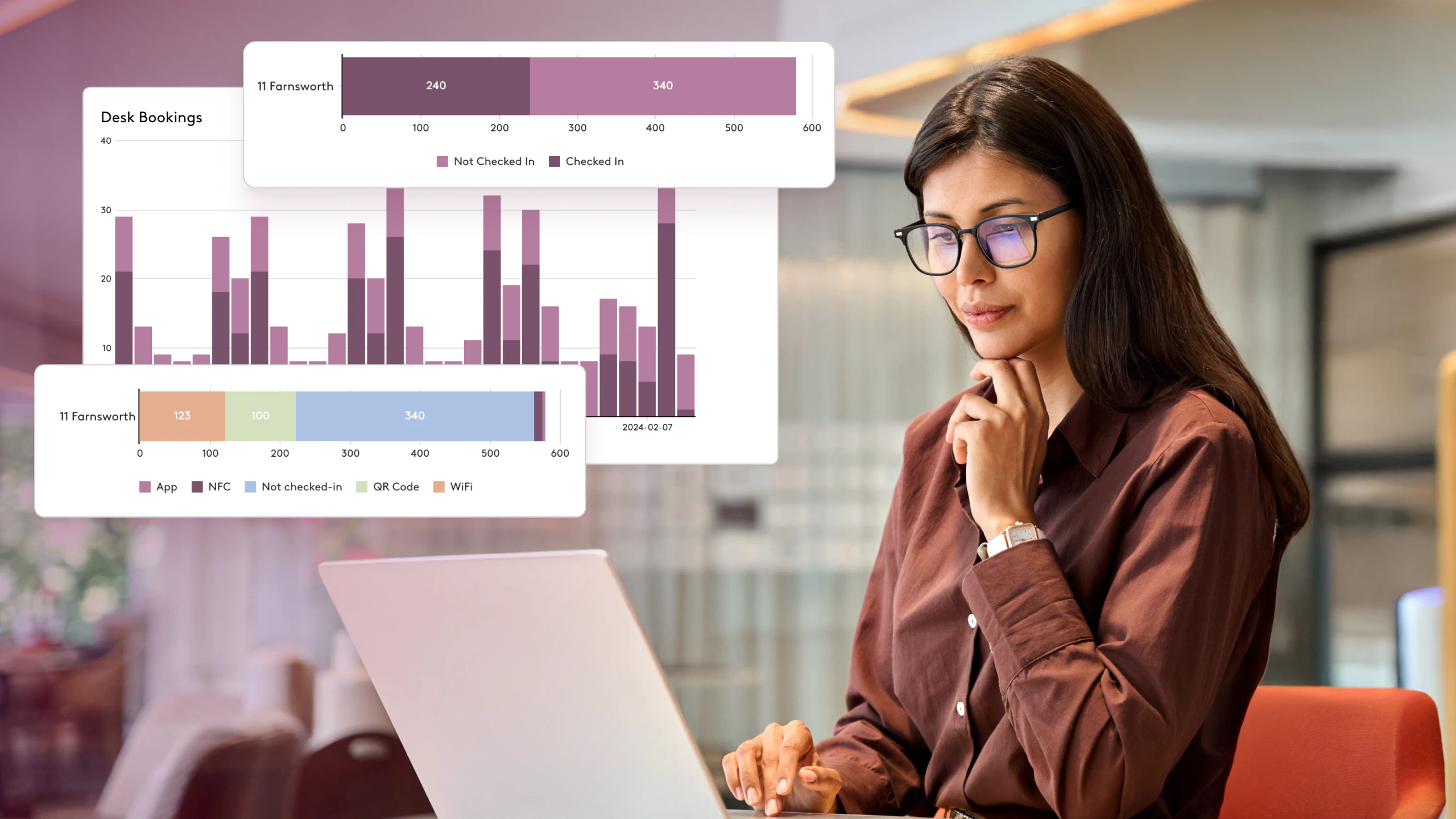
Understand utilization trends: Identify which buildings, floors, spaces, desks and other resources are used most, when and by whom.
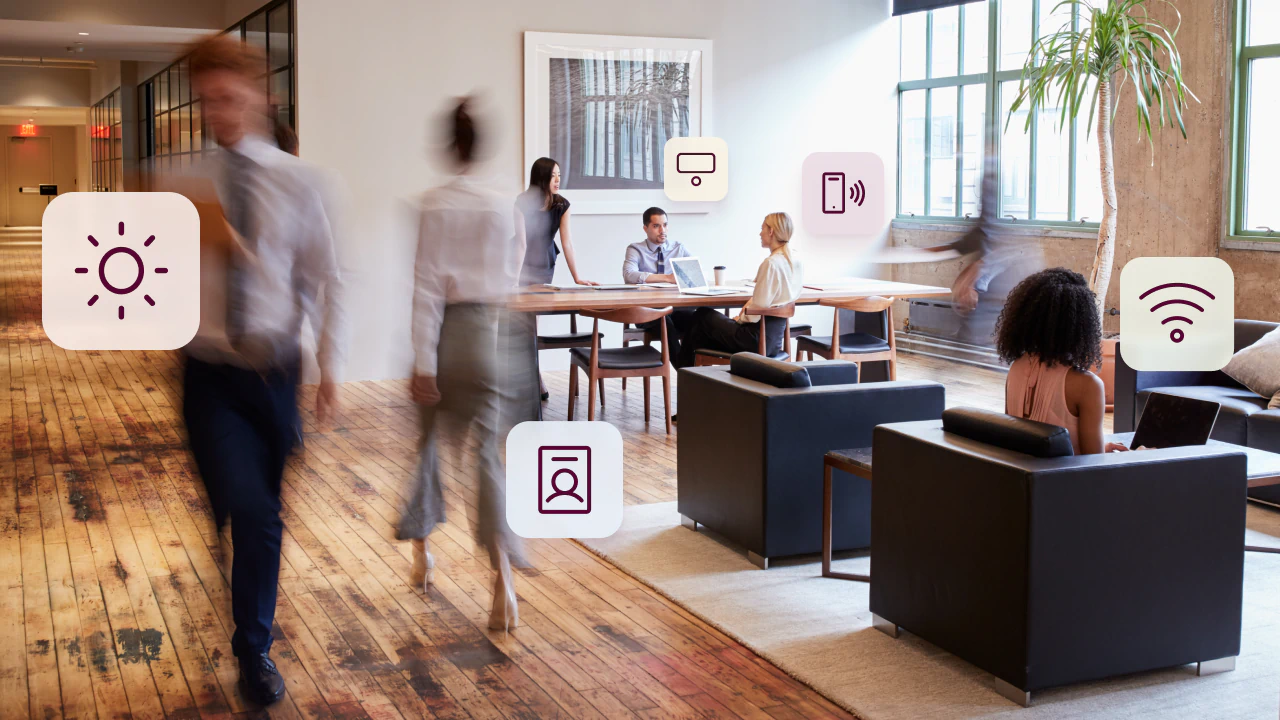
Track workplace presence: See who's in and when, bringing together a variety of data sources for a complete picture of office usage.
See how people work together: Measure collaboration by looking at planned meetings, desk proximity and occupancy trends.


Use your data to drive workplace strategies
Create and share custom reports: Curate relevant information and deliver high-priority findings to the appropriate teams automatically.
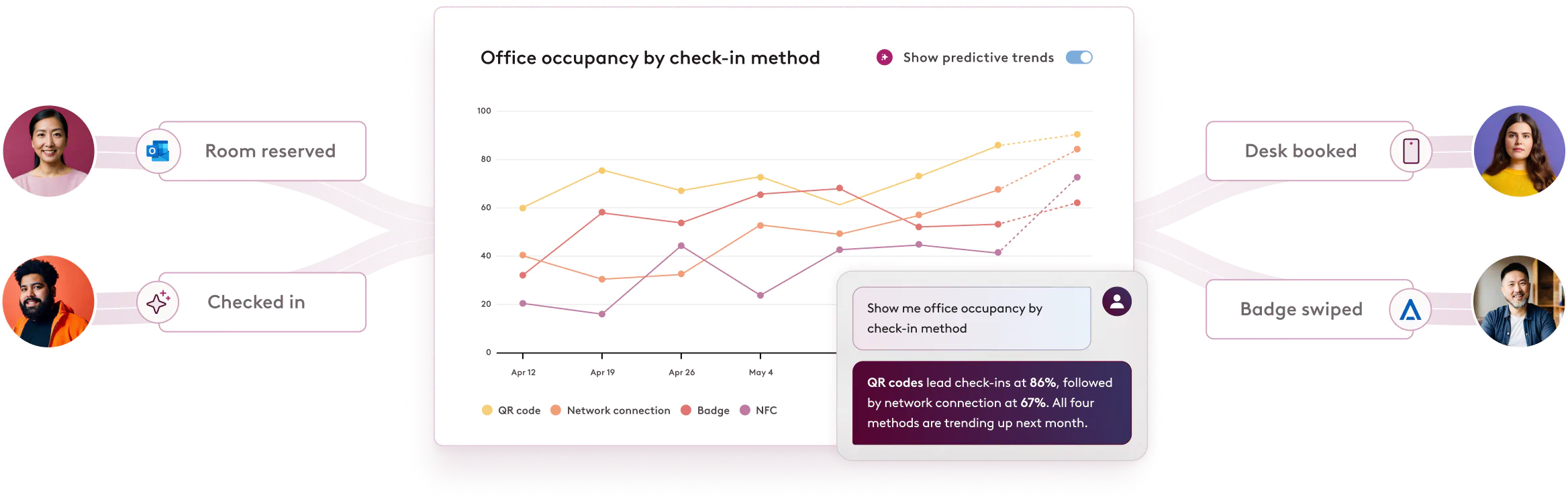
Predict future workplace trends: Discover quick answers to what you care about most, like expected real estate usage or spaces you could live without.
Leverage historical data: Unlock trends to justify office layout changes, office moves, expansions, desk assignments and more.


Get answers about your office in one request
Ask any popular AI assistant like Microsoft Copilot, Claude or ChatGPT about your office, and Robin answers with your workplace data, even combined with your other systems. Or ask the Robin Agent right in Robin.

Frequently asked
questions about workplace analytics
Robin tracks how your buildings, floors, spaces, desks and other resources are used, including when and by whom. It also shows who’s in the office and when, and measures collaboration through planned meetings, desk proximity and occupancy trends.
Robin brings together several data sources for a complete picture of office presence, including bookings, check-ins, badge data from access control systems and occupancy sensors. Combining them shows who actually came in, not just who planned to.
Robin integrates with calendar systems, communication tools, access control systems, occupancy sensors and HR information systems. Robin’s API lets you connect additional sources, and together with Robin’s own data they give you a complete picture of office activity. See the full list of Robin integrations.
Yes. With Robin’s MCP connector, workplace leaders can ask any popular AI assistant, like Microsoft Copilot, Claude or ChatGPT, about utilization, attendance and cost, and get answers without building a report. Answers follow each person’s Robin permissions and SSO.
Yes. Robin works alongside the other tools connected to your AI assistant, so you can ask questions that span systems, like cost per occupied seat from attendance and lease costs, or seating plans based on headcount from your HR system.
Yes. Robin’s custom reports let you curate the metrics that matter and deliver them to the right teams automatically, so stakeholders get updates without asking for them.
Customers use Robin data for quick office adjustments and larger strategic decisions, such as changing department desk pods or creating collaboration zones in Robin’s space management tools, checking how in-office policies are working, forecasting real estate needs and justifying spend ahead of a lease renewal.
Robin retains workplace data for the lifetime of your account and protects it through a range of security measures and compliance with data protection laws. For details, see Robin’s privacy policy and security practices.
Centralize your workplace management


Frictionless hybrid work
Support employees’ entire days in the office, getting them the resources they need, when they need them, for more intentional in-person time.

Cohesive workplace operations
Easily manage your spaces, services, deliveries and visitors – and connect with your tech stack – all with one, comprehensive workplace platform.

Smarter spaces
Connect space data with employee insights to drive your workplace strategy, prioritizing your people and maximizing your investments.