

What is Eptura? A Complete Overview of Features, Pros, Cons, and Alternatives


Eptura is a workplace and facilities management platform built through the acquisition of multiple legacy tools. While it covers a wide range of capabilities, many organizations evaluating Eptura encounter challenges with platform fragmentation, implementation complexity, and a reputation for unresponsive, pass-the-buck support
Choosing the right workplace platform isn't just about checking feature boxes. It's about how your office actually runs on a day-to-day basis. From employee experience to space utilization reporting, the tools you choose directly shape how effective your workplace operations become.
This guide breaks down what Eptura does well, where teams run into friction, and how it compares to a purpose-built platform like Robin.
What Is Eptura?
Eptura is a workplace technology (worktech) company formed through the consolidation of multiple workplace and facilities management products. Their platform apps include Eptura Engage (formerly Condeco), Eptura Workplace (formerly iOffice), SpaceIQ, Eptura Visitor (formerly Proxyclick), Archibus, Eptura Asset (which absorbed Hippo CMMS), and Teem. Its platform covers workplace management, asset maintenance, visitor management, room scheduling, and space planning.
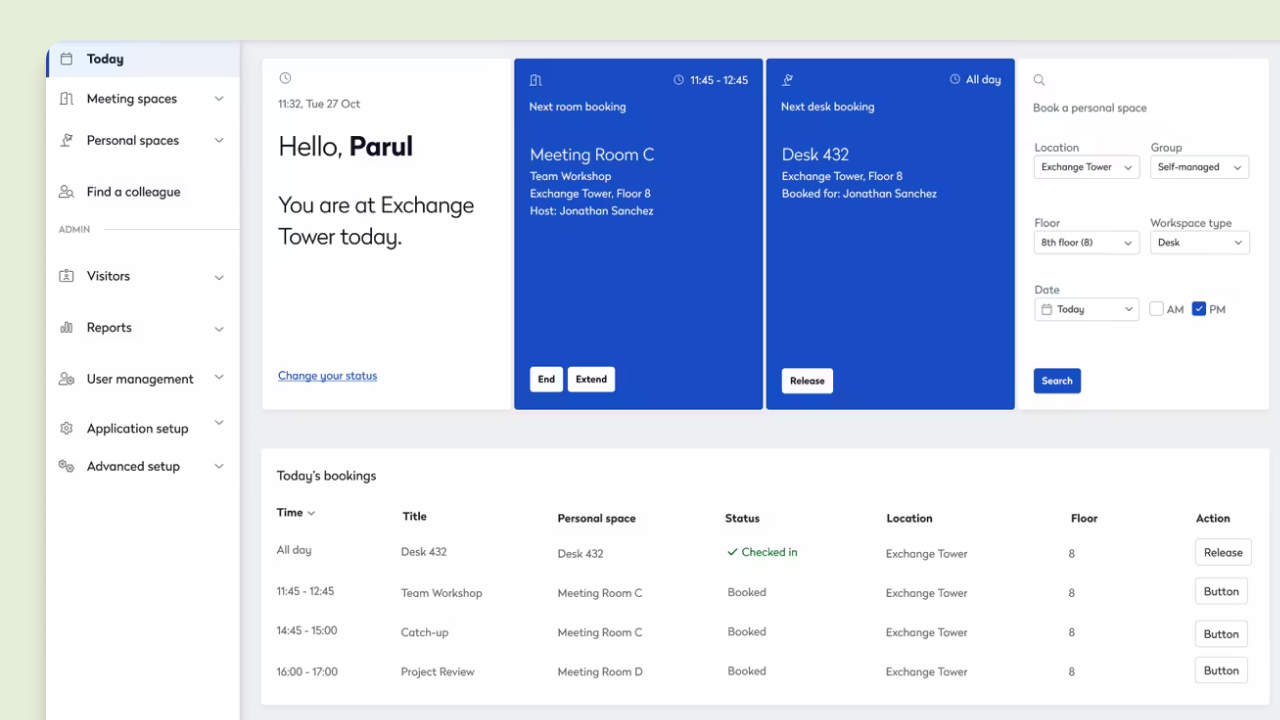
On paper, the breadth of functionality sounds appealing, especially for organizations managing complex workplace operations. But many workplace teams evaluating Eptura find that combining multiple acquired products creates significant operational complexity.
Eptura Features
Eptura offers a variety of capabilities through its portfolio of workplace and facilities products:
- Room and desk booking
- Visitor management
- Space planning and floor plan management
- Workplace analytics
- Asset and maintenance management
- Occupancy tracking
- Facilities and maintenance workflows
Eptura Pros and Cons
Eptura Pros
- Broad spectrum of workplace and facilities management features
- Strong focus on facilities, asset management, and maintenance workflows
- Workplace analytics available through connections to Power BI, Tableau, and Looker
- Large enterprise footprint and established customer base
Eptura Cons
- Multiple disparate acquired systems create operational complexity in practice
- Separate administrative workflows and employee interfaces across products
- Higher implementation cost and IT overhead and compared to unified platforms
- Hybrid workplace analytics require IT and data team resources to configure.
- Employee experience features are more facilities-centric than people-centric
Is Eptura a Unified Workplace Platform?
Eptura positions itself as a unified platform and has invested in cross-product capabilities, including a unified login and an analytics layer. However, because it was built through the acquisition of foundationally different office products, organizations often encounter integration complexity in practice. Depending on the products deployed, teams may face:
- Separate administrative workflows per product
- Different implementation requirements and timelines
- Multiple employee interfaces
- Additional IT overhead to connect systems
- Fragmented workplace data that requires manual aggregation
- Unresponsive support that is over-burdened by a high volume of tickets
It’s worth noting that Eptura’s own 2025 Workplace Index underscores how fragmented workplace technology environments have become: only 4% of organizations report using a single integrated platform, while nearly half rely on six or more workplace solutions. The report also points to the operational strain this creates, citing multiple dashboards, data consolidation challenges, insufficient cross-platform integration, and ongoing management complexity as major obstacles to realizing value from workplace technology and AI.
While platform consolidation can help reduce complexity, many organizations evaluating workplace software still prioritize solutions with more centralized architectures, native cross-functional workflows, and consistent support experiences — especially when managing integrations, recurring workflows, or global workplace deployments. These considerations become especially important for companies trying to standardize workplace operations globally or simplify hybrid work management.
Questions to ask when evaluating:
- How centralized are workplace data and reporting workflows across the specific products we want to deploy?
- How much ongoing IT administration is required to keep all systems in sync?
- Will employees experience a consistent interface across all products?
Does Eptura Support Hybrid Workplace Optimization?
Eptura includes some hybrid workplace management features, however its product portfolio has historically been rooted in facilities management and asset maintenance. These capabilities are inherited from tools like Archibus, Hippo CMMS and ManagerPlus. Hybrid workplace and employee experience features come primarily from acquired booking tools rather than a purpose-built hybrid platform.
Workplace leaders focused on improving office attendance, collaboration, employee engagement, and space utilization often require deeper behavioral insights than Eptura natively provides.
Organizations evaluating workplace platforms today commonly want answers to questions like:
- Which teams collaborate most effectively in person?
- How often are employees using assigned neighborhoods?
- Which spaces improve attendance and engagement?
- Which workplace policies actually drive office utilization?
Robin's workplace analytics were designed specifically around hybrid workplace operations and employee experience, combining utilization trends, collaboration patterns, and office activity across buildings, floors, teams, and resources in a single platform.
Questions to ask when evaluating:
- Is your workplace priority equipment maintenance, or understanding how employees interact with your office?
- Are hybrid workplace insights natively available, or is additional tooling or reporting setup required?
- How easily can workplace leaders measure employee engagement and space utilization without IT involvement?
How Does Eptura Handle Workplace Analytics and Reporting?
Eptura offers workplace analytics through Eptura Envision, a business intelligence tool that surfaces occupancy, real estate, and asset data from its connected apps. Envision includes pre-built dashboards and direct data connections to Power BI, Tableau, and Looker.
The key distinction is how much effort it takes to get value from it. Envision is a separate analytics layer on top of an already complex product suite, and leveraging its data connections typically requires IT and data team involvement to configure and maintain. For workplace leaders who want immediate, actionable visibility without data engineering overhead, that gap is meaningful.
Organizations evaluating Eptura's analytics should also consider:
- How easily data flows and stays synchronized across products
- Whether standardized global reporting is achievable out of the box
- How much manual work is required before workplace leaders have usable dashboards
- Whether cross-location insights are centralized or need to be assembled
Questions to ask when evaluating:
- Who in your organization will build and maintain the reporting workflows in Envision? What's the timeline before workplace leaders have actionable data?
- How much manual aggregation is required to generate cross-location insights?
- Have you assessed the full cost of managing multiple systems, including IT resources and ongoing reporting overhead?
Robin vs. Eptura
When comparing Robin and Eptura, the biggest difference is platform philosophy. Robin was purpose-built as a unified workplace operations platform for hybrid work. Eptura combines multiple acquired workplace and facilities management systems under one umbrella. That distinction impacts implementation complexity, workplace analytics, employee experience, and long-term operational efficiency.
Why Organizations Choose Robin Over Eptura
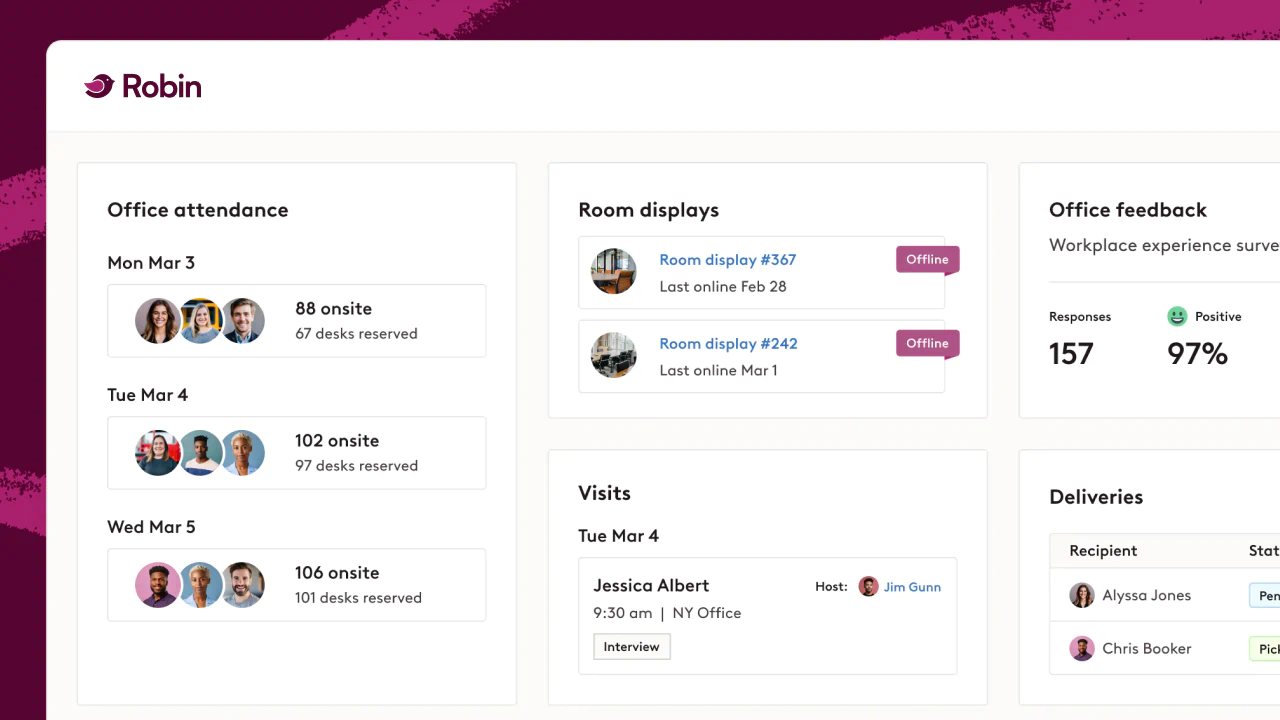
Teams that move from Eptura to Robin are usually trying to escape fragmentation. Eptura's breadth comes from combining multiple acquired products, which in practice can mean separate admin workflows, multiple employee interfaces, and workplace data that has to be aggregated before it's useful. Robin takes the opposite approach: one platform, built for hybrid workplace operations, where booking, analytics, and visitor management share the same foundation instead of being connected after the fact.
Organizations consistently point to a few reasons Robin fits that need better:
- One platform, not a portfolio: A single system for booking, analytics, and visitor management — not multiple acquired products under one umbrella.
- One consistent experience: Employees and admins work in a single interface instead of switching between products with different workflows.
- Analytics without the IT lift: Native attendance and utilization dashboards, rather than a separate analytics layer that requires data-team configuration to operationalize.
- Built for people, not just facilities: Designed around hybrid collaboration and employee experience, not maintenance and asset workflows.
- Less ongoing overhead: A single modern platform to maintain instead of multiple systems to keep in sync.
When Should You Consider Switching to Robin?
Teams typically consider switching from Eptura when their workplace needs evolve beyond facilities management into day-to-day operational efficiency. Common signals include:
- You rely on manual reporting: If answering basic questions about attendance or utilization requires exporting and aggregating data across systems, you're missing the kind of workplace analytics that support faster decisions.
- Your team is doing too much manual admin work: Fragmented workflows across multiple products slow down workplace operations and make it harder to adapt your office space planning strategy as needs change.
- Employees aren't consistently using the platform: Low adoption often comes from workflows that live outside the tools employees already use — which is why many teams invest in better desk booking software.
- You need better hybrid work support: Robin helps organizations support evolving hybrid work patterns and workplace policies.
- You want faster time to value: Robin's guided onboarding and dedicated support help teams adopt quickly and scale without extended implementation cycles.
Robin is designed to address these challenges directly:
- Booking where work already happens: Employees reserve desks and rooms directly in Outlook, Google Calendar, Teams, and Slack through desk booking built for quick adoption.
- Built-in analytics: Leaders can understand attendance and utilization through workplace analytics without rebuilding reports in spreadsheets or configuring BI pipelines.
- Automated workflows: Robin's workplace experience focus reduces manual work for admins and creates a smoother employee experience.
- Seamless visitor management: Visitor management is built into the same platform as room and desk booking — not a separate acquired product.
- Global scale: Unified reporting and operational workflows support space management across multiple offices and regions from a single system.
Key Takeaways
- Eptura is best suited for enterprise organizations focused on facilities management, asset tracking, and legacy IWMS consolidation
- Its acquired product portfolio can create fragmentation across data, workflows, and employee interfaces, even as Eptura works to unify them
- Hybrid teams often need stronger native analytics, automation, and employee experience tools than Eptura provides out of the box
- Robin focuses on simplifying day-to-day hybrid workplace operations through a single, purpose-built platform
FAQs About Eptura and Workplace Operations Software
Final Thoughts
Eptura offers a broad collection of workplace and facilities management capabilities, particularly for organizations focused on maintenance workflows and enterprise facilities operations.
However, companies evaluating workplace management software increasingly prioritize centralized analytics, simplified operations, better employee adoption, and flexible hybrid work support, without the overhead of managing multiple disconnected systems.
Robin was purpose-built around those priorities. Robin helps organizations centralize workplace operations, improve workplace experiences, optimize hybrid work strategies, and make faster workplace decisions through one connected platform.
Want to see how Robin works in your office?
Schedule a demo to explore how your team can reduce manual work and get better visibility into workplace usage.
Already using a workplace tool?
You don't have to start over to get more value. See how switching to Robin works, and how teams make the move without disruption.